
Spinstralia Sign Up and Login

Joining Spinstralia takes less time than ordering a coffee. The whole sign-up flow runs inside the browser, asks for the basics — email, date of birth and a password — and finishes with a single email confirmation click. Existing players can use the same login details to access their account from any device, with the cashier, bonus inbox and verification area waiting on the other side. This page covers how to register a new Spinstralia account, how to sign back in, what to expect from identity verification before the first withdrawal, and how to handle the usual login hiccups along the way.
Creating a Spinstralia Account
Registration is browser-based and works on desktop and mobile alike. Before getting started, it helps to have a working email address, a chosen password and a sense of which currency the account should run in — AUD for Australian players, NZD for New Zealanders. Players must be 18 years of age or older to register, regardless of the laws in their region.
What's needed to register
- A valid personal email address (used for confirmation and password recovery)
- Date of birth confirming an age of 18 years or older
- A password of at least eight characters, mixing letters and numbers
- A chosen account currency: AUD for Australia, NZD for New Zealand
- Acceptance of the site's terms and conditions and the 18+ checkbox
Step-by-step sign-up flow
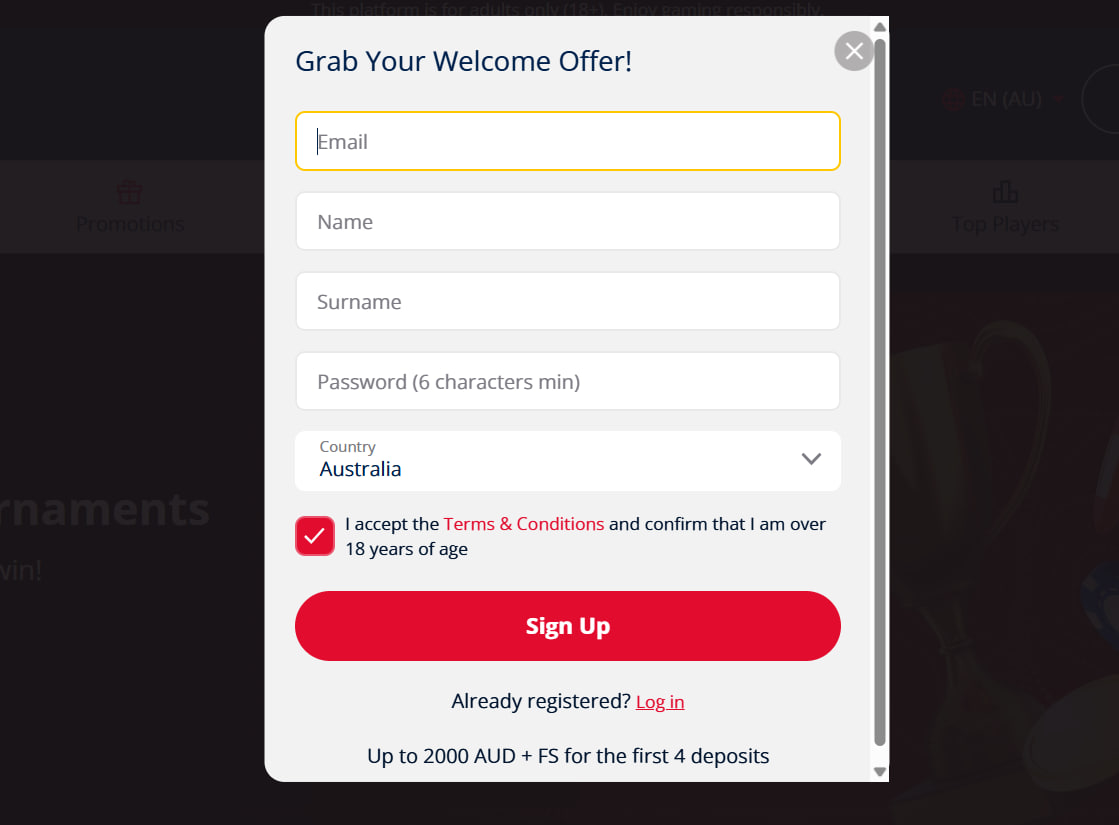
- Open the registration form. Tap the Sign Up button at the top of any page on the site. The form opens in a single panel without leaving the browser tab.
- Fill in personal details. Enter the email address, choose a password, set the date of birth and pick AUD or NZD as the account currency.
- Confirm the 18+ checkbox and accept the terms. Both boxes must be ticked before the form will submit. The terms cover bonus rules, fair play and account closure.
- Submit and check the inbox. A confirmation email arrives within a minute or two — clicking the link inside activates the account.
- Make a first deposit. Heading to the cashier and depositing at least A$25 triggers the welcome bonus package with the 150% match and 50 free spins on Wolf Gold.
Logging In to a Spinstralia Account
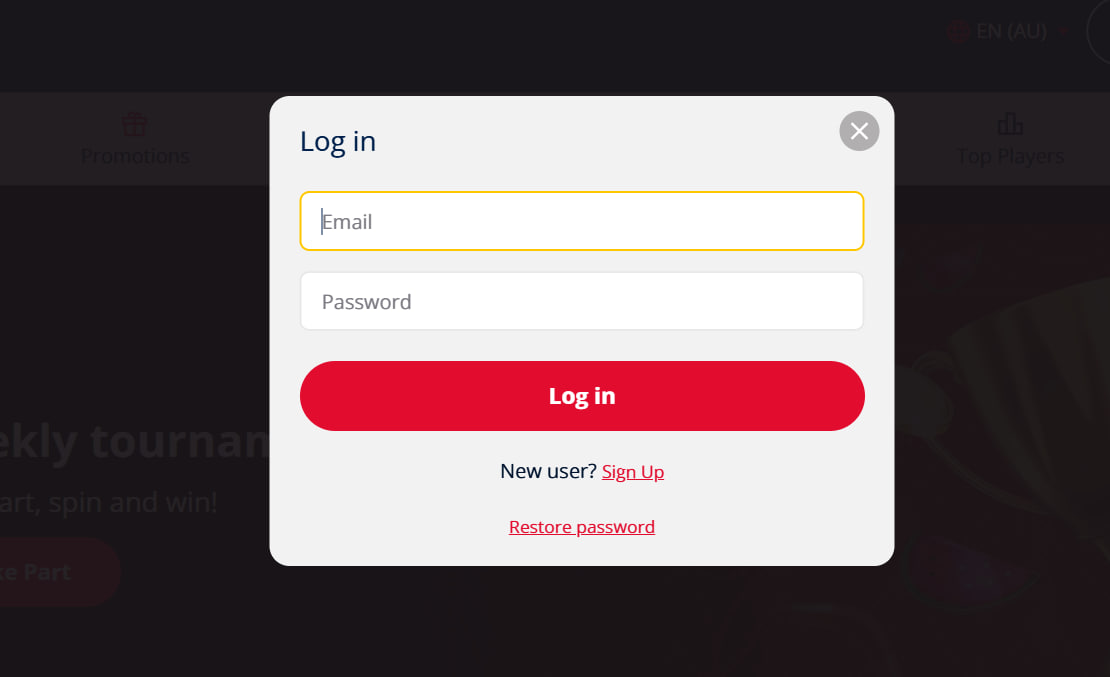
Returning to Spinstralia is a single-tap affair once an account exists. The Log In button sits next to Sign Up in the top navigation, and the form asks only for the registered email and password. Ticking Remember me keeps the session active across browser visits on the same device — handy on a personal phone, less ideal on a shared laptop.
What unlocks after signing in
- The full cashier for deposits and withdrawals
- The bonus inbox and any active welcome or reload offers
- Personal game history, including recent wins and session data
- The verification upload area for identity documents
- Account settings: deposit limits, session reminders and self-exclusion tools
The same credentials work across desktop and mobile, and the live chat support team is always one tap away from inside the member area if anything goes sideways.
Verifying the Account Before First Withdrawal
Spinstralia does not require identity verification at sign-up — players can register, deposit, claim the welcome bonus and start spinning straight away. KYC kicks in only when the first withdrawal is requested. It's a standard process that confirms the account belongs to the person whose details are on file and complies with anti-fraud and anti-money-laundering procedures.
Documents the verification team usually requests
| Document type | Examples accepted | Notes |
| Proof of identity | Passport, driver's licence, national ID card | Photo must be clear, all four corners visible, not expired |
| Proof of address | Utility bill, bank statement, council rates notice | Dated within the last three months, name and address matching the account |
| Proof of payment method | Card front screenshot (last four digits visible), e-wallet screenshot | Middle digits and CVV should be masked for security |
Uploads happen inside the player area through a secure form. The review team typically clears verification within 24 to 72 hours; complex cases — usually missing data or unreadable scans — can take a little longer. Once verified, the documents stay on file, so future withdrawals run straight through without another check.
Troubleshooting Sign-In Issues
Most login problems trace back to one of three causes — a forgotten password, a locked account after too many failed attempts, or a delayed verification code. Each has a built-in fix that takes only a minute.
Common login fixes
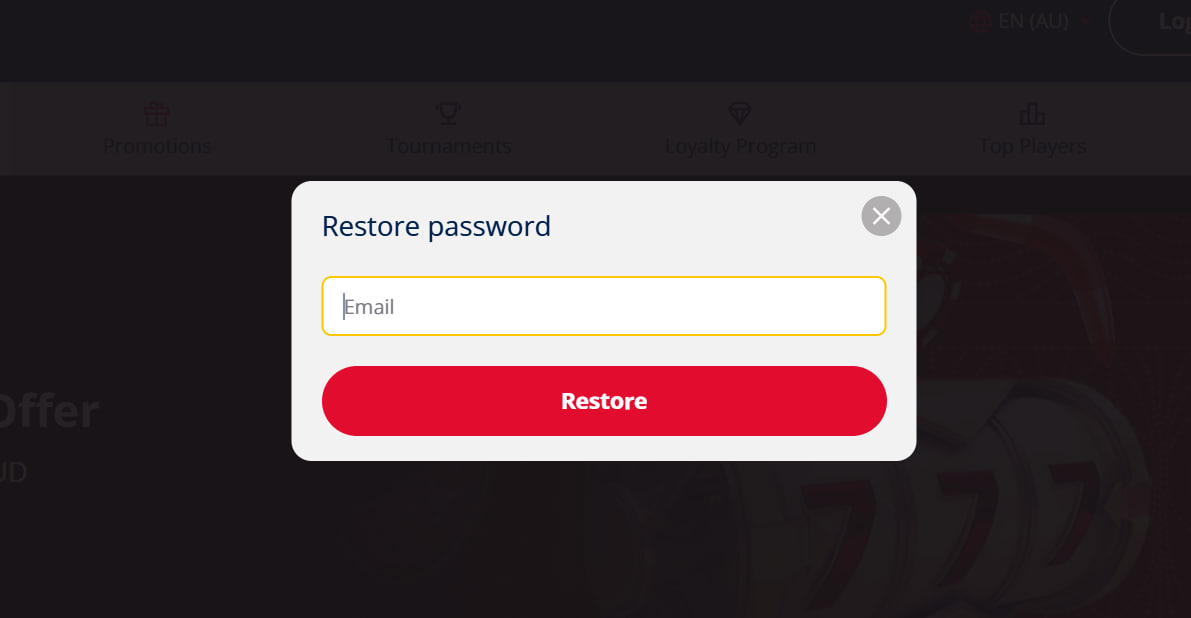
- Forgot password: tap the Forgot password link on the login form. A reset link arrives within a minute or two and stays valid for about an hour.
- Account locked: the lock lifts automatically after a short cool-off, or live chat can clear it sooner with a quick identity check.
- Verification code missing: request a new one, check the spam folder, and confirm the registered email is still active and accessible.

Theodora Carmichael
Theodora Carmichael reports on Spinstralia Casino at spinnstralia.com, the 2023-launched Aussie-themed offshore brand (name fusing Spin and Australia) supporting AUD and NZD natively. Covers the 1,000+ pokies from 37 studios (Pragmatic Play / NetEnt / Microgaming / Play'n GO / Hacksaw / BGaming / Push Gaming / Quickspin / Playson / Booming Games / Aristocrat-style classics), four-deposit A$2,000 + 50 FS Wolf Gold welcome with NO promo codes (auto-credit), 40x wagering with A$5 max bet, 5% Monday cashback at NO wagering (cash equivalent!), weekend A$700/A$200 tournaments, points-based VIP, AUD/NZD banking with BTC/ETH support, Gamecheck third-party screening, HTML5 PWA mobile (iOS 14+/Android 9+) and BetStop offshore caveat.